TxDOT Bonfire
TxDOT Bonfire is the Texas Department of Transportation’s online procurement portal used to publish solicitation packages and receive electronic submissions for selected contracting opportunities. If you are a contractor, consultant, supplier, or service provider bidding in Texas, understanding TxDOT Bonfire is not optional. It directly affects how you discover opportunities, confirm intent to bid, download addenda, submit mandatory forms, and avoid preventable disqualifications caused by formatting or incomplete uploads.
TxDOT uses this platform across multiple procurement lanes. For professional engineering and related services, TxDOT’s Professional Engineering Services Division uses the Euna Procurement electronic submittal and evaluation tool, formally known as Bonfire, for electronic submissions. TxDOT also requires Bonfire submissions for certain Support Services Division bid processes, including facilities-related lettings, where bidders must register and submit bids through the portal only. The practical takeaway is simple: if your opportunity requires Bonfire, your bid is only “real” when it is properly submitted in the portal, in the required formats, before the deadline.
How TxDOT Bonfire works
At a workflow level, TxDOT Bonfire follows a structured path:
You register as a vendor using the TxDOT procurement portal, then log in to view open opportunities and access project documents. For many TxDOT opportunities, you will also encounter an “intent to bid” step. This is a gating mechanism that indicates you plan to submit a response. It is not a price bid and not a cost commitment. Without confirming intent to bid, you may not be able to prepare a submission inside the system for that opportunity.
During the solicitation window, questions must typically be submitted through the portal’s Opportunity Q&A function before the question deadline. Answers are commonly compiled into a Q&A document and posted as a public notice. Addenda are also posted as public notices in the messages area, and you are expected to monitor these updates. This is where many vendors slip up: missing an addendum is one of the fastest ways to submit a non-compliant response.
Submission rules that commonly trip teams up
TxDOT Bonfire enforces file formats and completeness. If a required attachment is listed as an Excel file type, completing it in Excel and uploading it as the required file type matters because the portal can block uploads that do not match the required format. The system also expects all required documents to be uploaded before closing time. If your submission is missing a required upload at the deadline, it is not considered complete.
Operationally, one more detail matters for teams: Bonfire accounts are often treated as individual registrations for people who submit documents, not a single shared firm account. That means you should treat submitter ownership as a controlled process and avoid last-minute confusion about who is actually authorized to push the final submission.
TxDOT Bonfire bid submission checklist
Use this as a pre-submission quality gate for every TxDOT Bonfire opportunity:
- Confirm the opportunity is truly a Bonfire submission, not only a listing elsewhere.
- Register early and test login access before you begin compiling the response.
- Identify the single accountable submitter and lock it in for the full submission cycle.
- Click intent to bid if required, and confirm the portal allows you to start the submission.
- Download the full solicitation package and create a compliance checklist from the requested information list.
- Track public notices daily, including Q&A documents and addenda in the messages area.
- Validate every attachment format against the portal’s required type before uploading.
- Upload drafts at least 24 hours early to detect file size, naming, or format failures.
- Perform a final completeness review: every required document uploaded, every field completed, every certification confirmed.
- Submit early enough to handle a resubmission if you discover an issue before deadline.
Where ContraVault AI fits before you click “Submit”
TxDOT Bonfire is the submission system. ContraVault AI is what you use to avoid walking into submission with unclear scope, hidden risks, or missed compliance requirements.
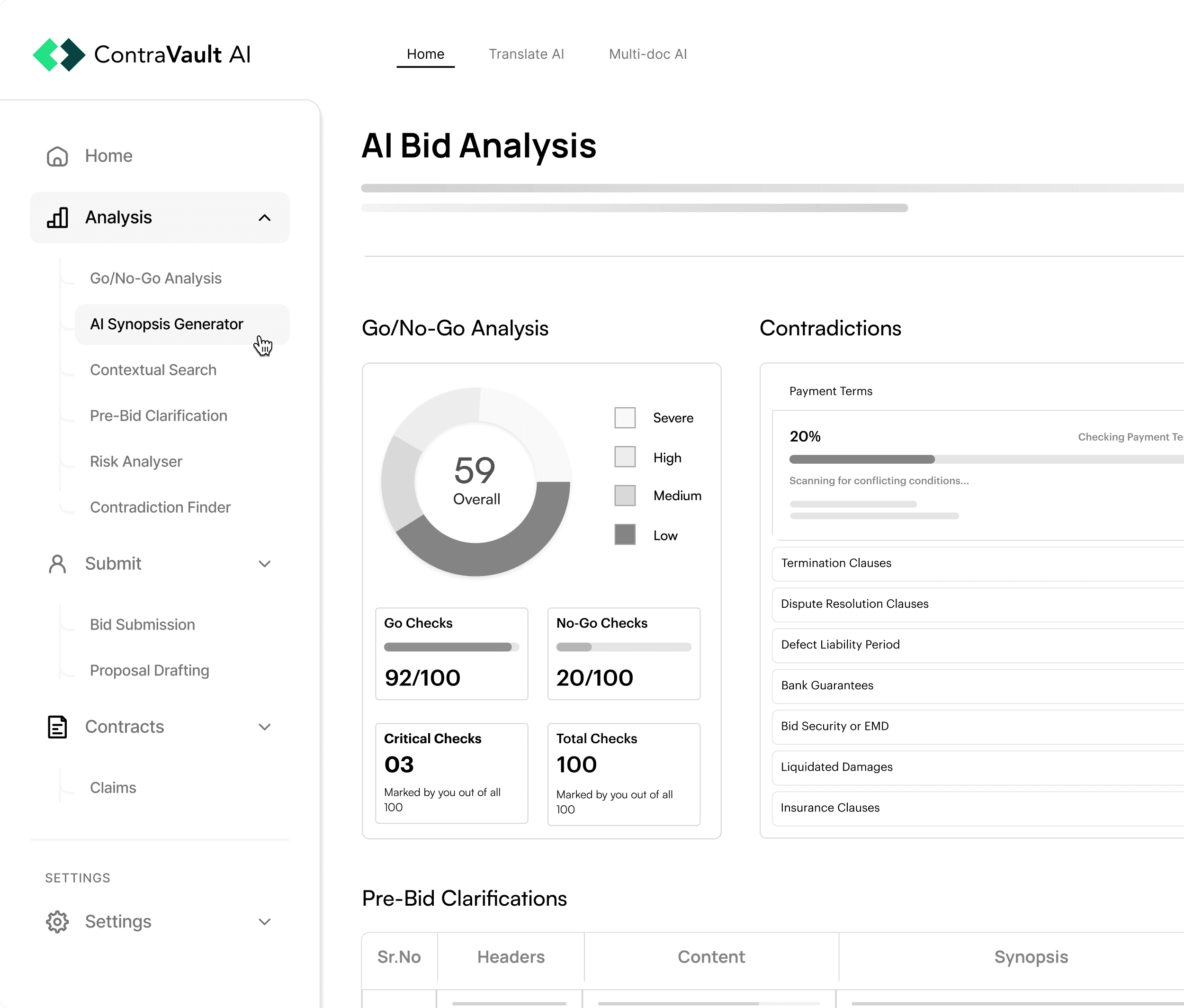
A strong workflow is to upload the full solicitation package into ContraVault AI the moment you decide the opportunity is worth reviewing. Use the RFP Synopsis to create a structured summary for internal stakeholders, then run the Go No Go Analyzer to qualify the opportunity based on client fit, project clarity, contractual exposure, and delivery capacity. Next, use AI Risk Finder to flag high-impact risks such as contradictory clauses, insurance or bonding burdens, LD and warranty exposure, restrictive subcontracting terms, and schedule penalties. Once your team aligns, you can use ContraVault AI to extract a requirements matrix and assign owners, so the final Bonfire upload is a controlled execution step, not a last-minute scramble.
FAQs
Is TxDOT Bonfire the only place TxDOT posts opportunities?
Many TxDOT opportunities are also posted to the Electronic State Business Daily, but Bonfire is the submission and interaction portal when the solicitation requires electronic submittal through it.
What does “intent to bid” mean in TxDOT Bonfire?
It indicates you plan to submit a response. It is not a cost bid. If you answer “no,” you may not be able to prepare a submission for that opportunity.
Where do I find addenda and Q&A responses?
Typically in the messages area as public notices for that opportunity. You should monitor this section throughout the solicitation window.
Can I upload any file format as long as the content is correct?
No. The portal can enforce the required file type for each requested document. Uploading the wrong format can block completion.
What is the biggest reason vendors get disqualified on Bonfire submissions?
Incomplete submissions at deadline and missed addenda are two of the most common preventable failures. Format mismatches and last-minute uploads are close behind.
Sources
- Texas Department of Transportation, Bonfire Frequently Asked Questions, revised 06/04/2025.
- TxDOT PEPS Contract Advertisements, Euna Procurement electronic submittal platform formally known as Bonfire. (Texas Department of Transportation)
- TxDOT Facilities Projects Letting, Bonfire registration and submission requirement, last updated 01/23/2026. (Texas Department of Transportation)
- Euna Solutions, Bonfire Vendor knowledge resources, Vendor Registration overview. (EUNA Solutions)
- Euna Solutions, Euna Supplier Network, Bonfire is now Euna Supplier Network. (supplier.eunasolutions.com)