Whole-package context
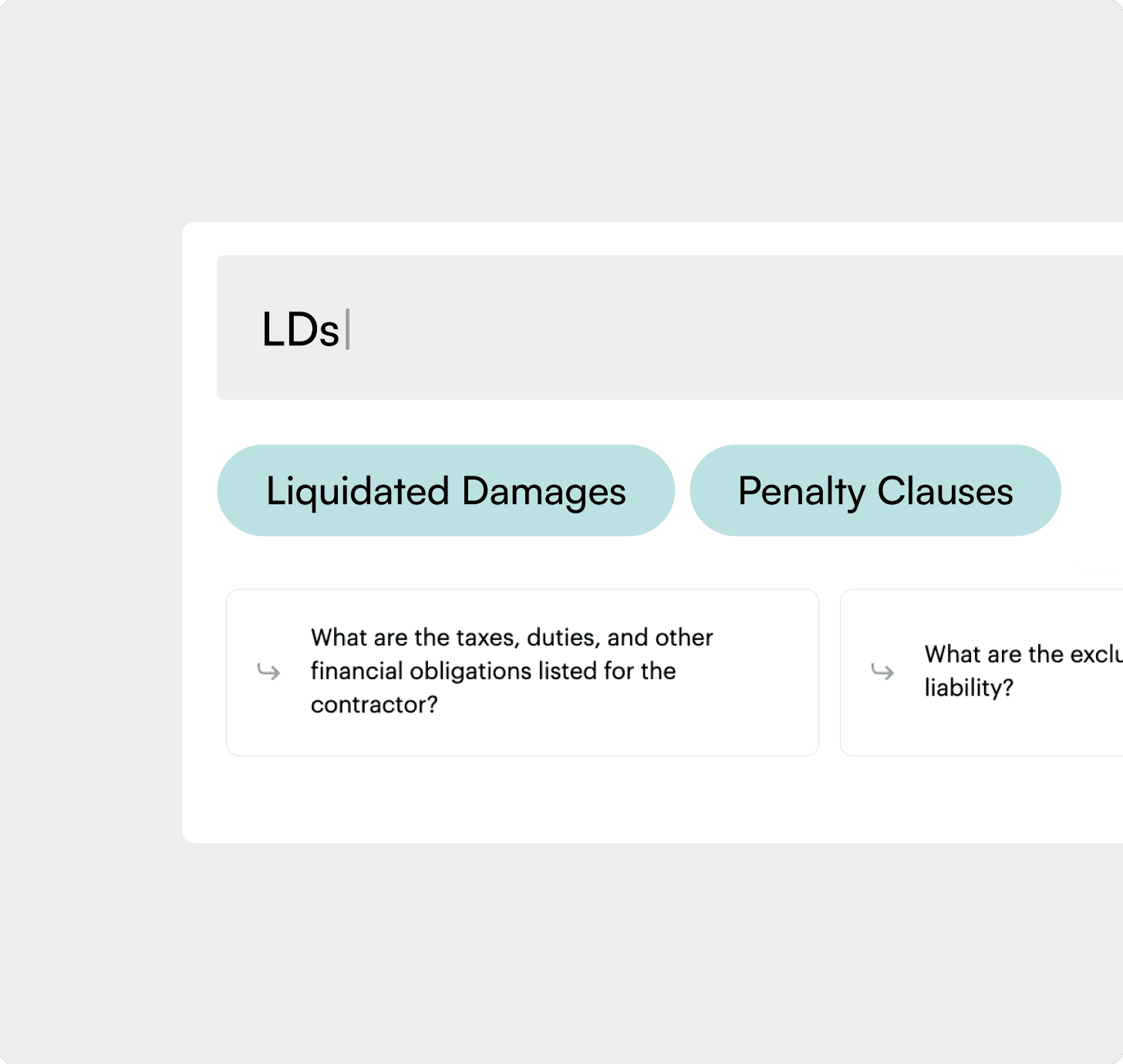
Search across the full RFP while related clauses, exhibits, forms, and cross-references stay connected, so answers keep their meaning.
Trusted by leading organizations






























Trusted by leading organizations
Why ContraVault for RFP contextual search
Solving the most common pain points in searching and interpreting RFP packs.
Solving the most common pain points in searching and interpreting RFP packs.
People lose hours jumping between PDFs, exhibits, and schedules just to locate the right clause.
A clause read in isolation is easy to misinterpret, especially when scope and exceptions are spread across sections.
The same “where is this stated?” questions get asked across SMEs and teams. Every bid, every time.
Teams keep working off old assumptions when updates arrive late or nobody rechecks systematically.
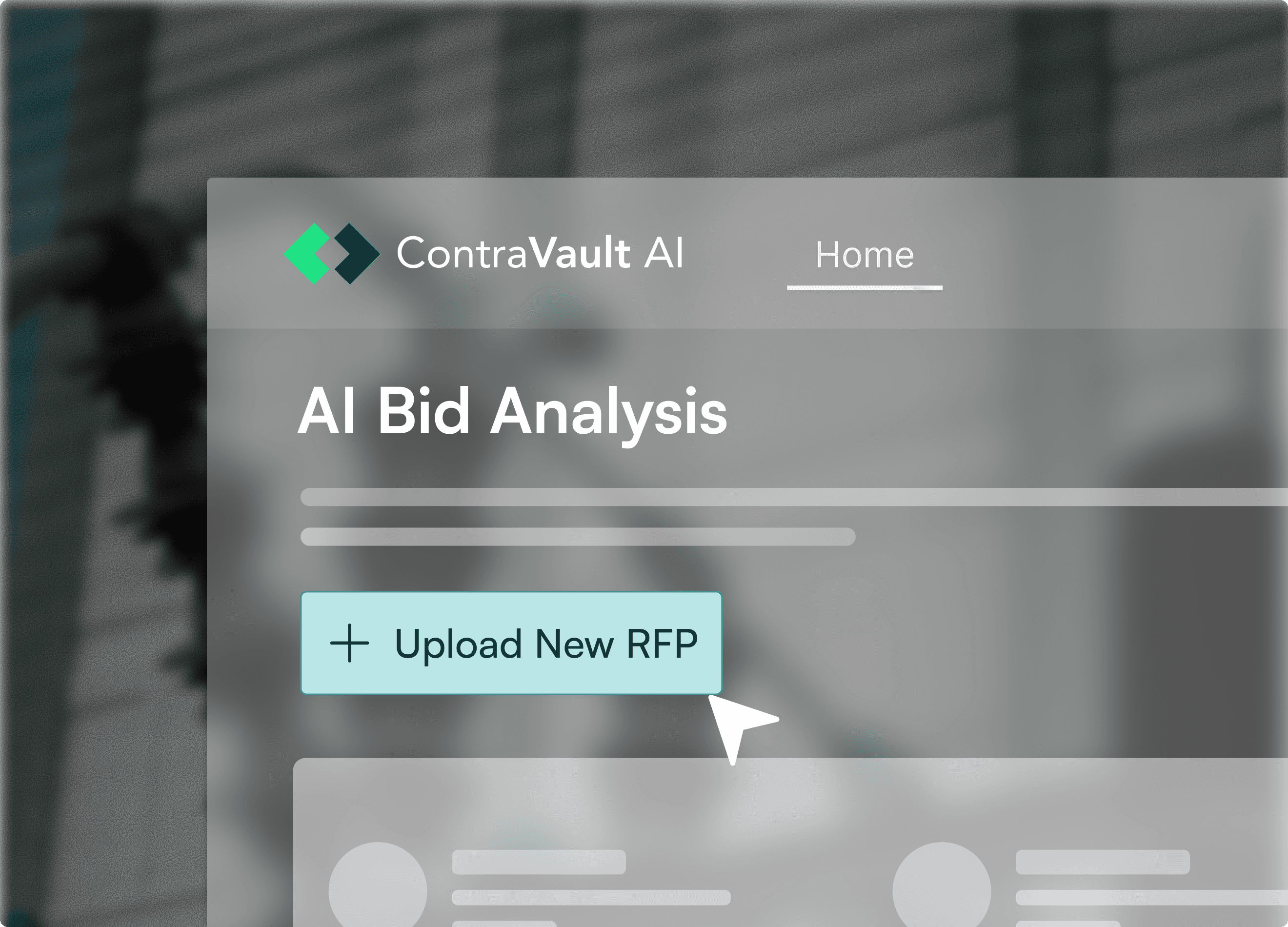
The complete RFP set: documents, specs, exhibits, forms, schedules, and addenda.
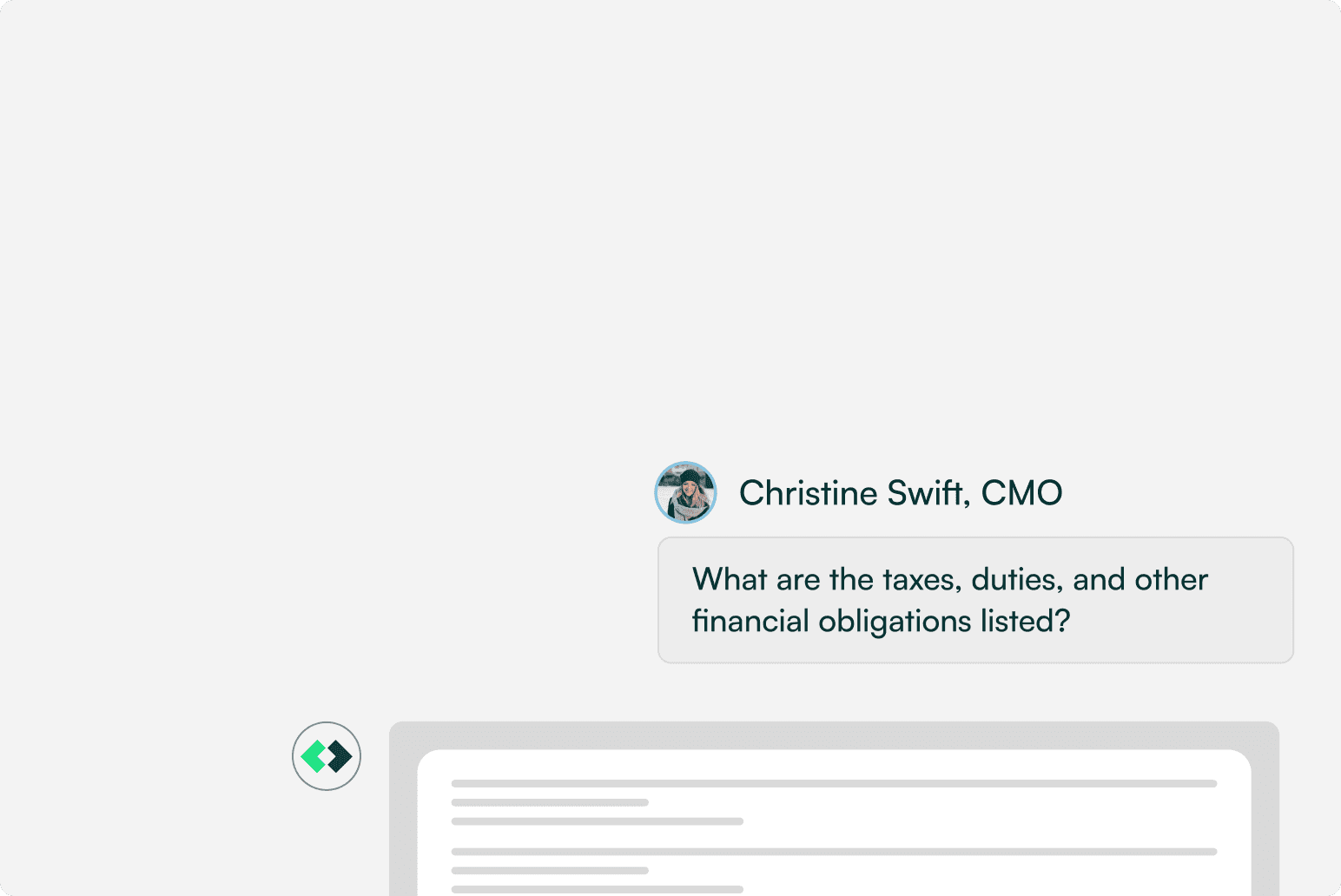
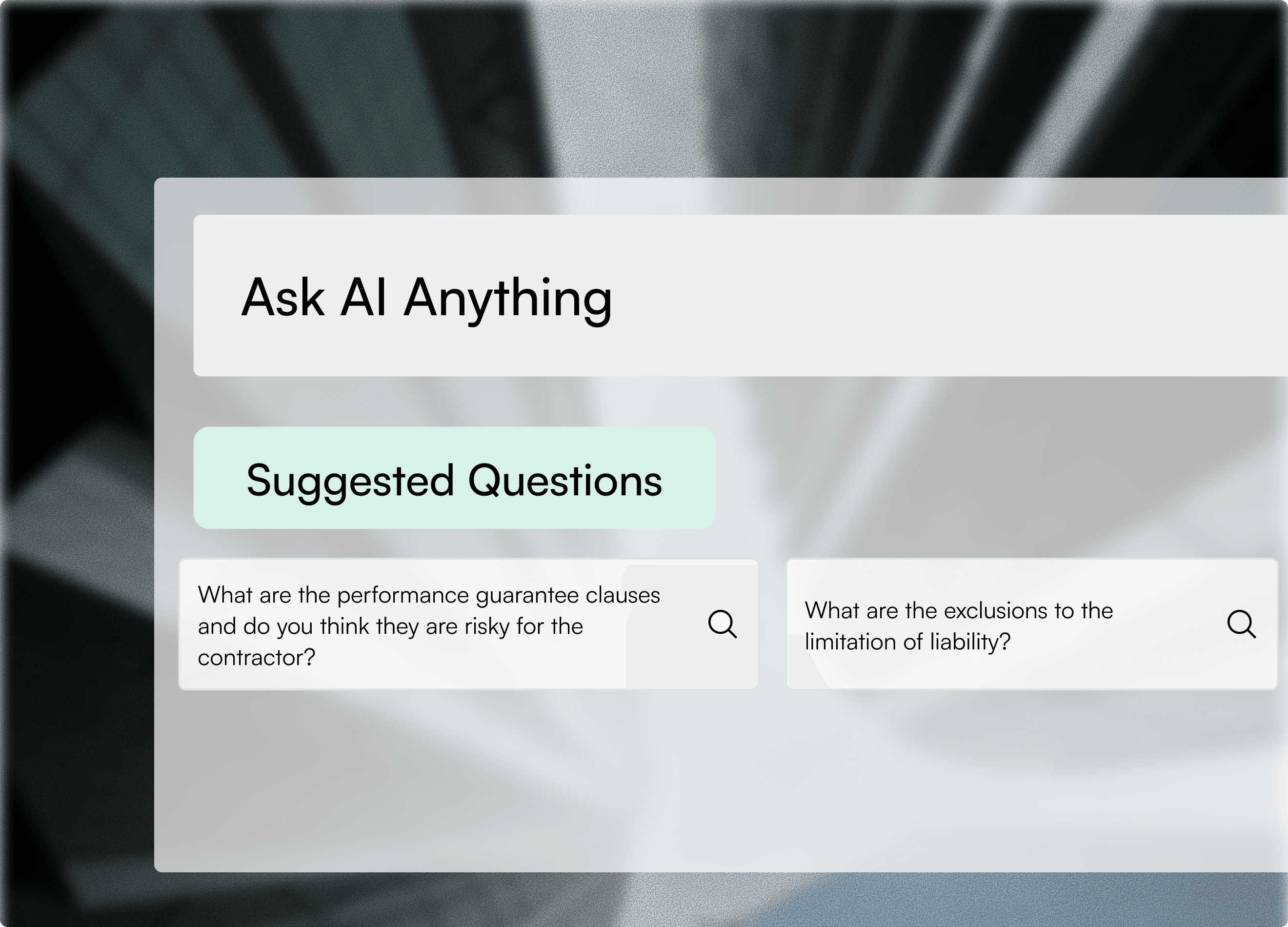
Get answers on eligibility, scope, penalties, timelines, and anything else in the package.
A clear answer with supporting clauses and page references, plus export and share options for the team.
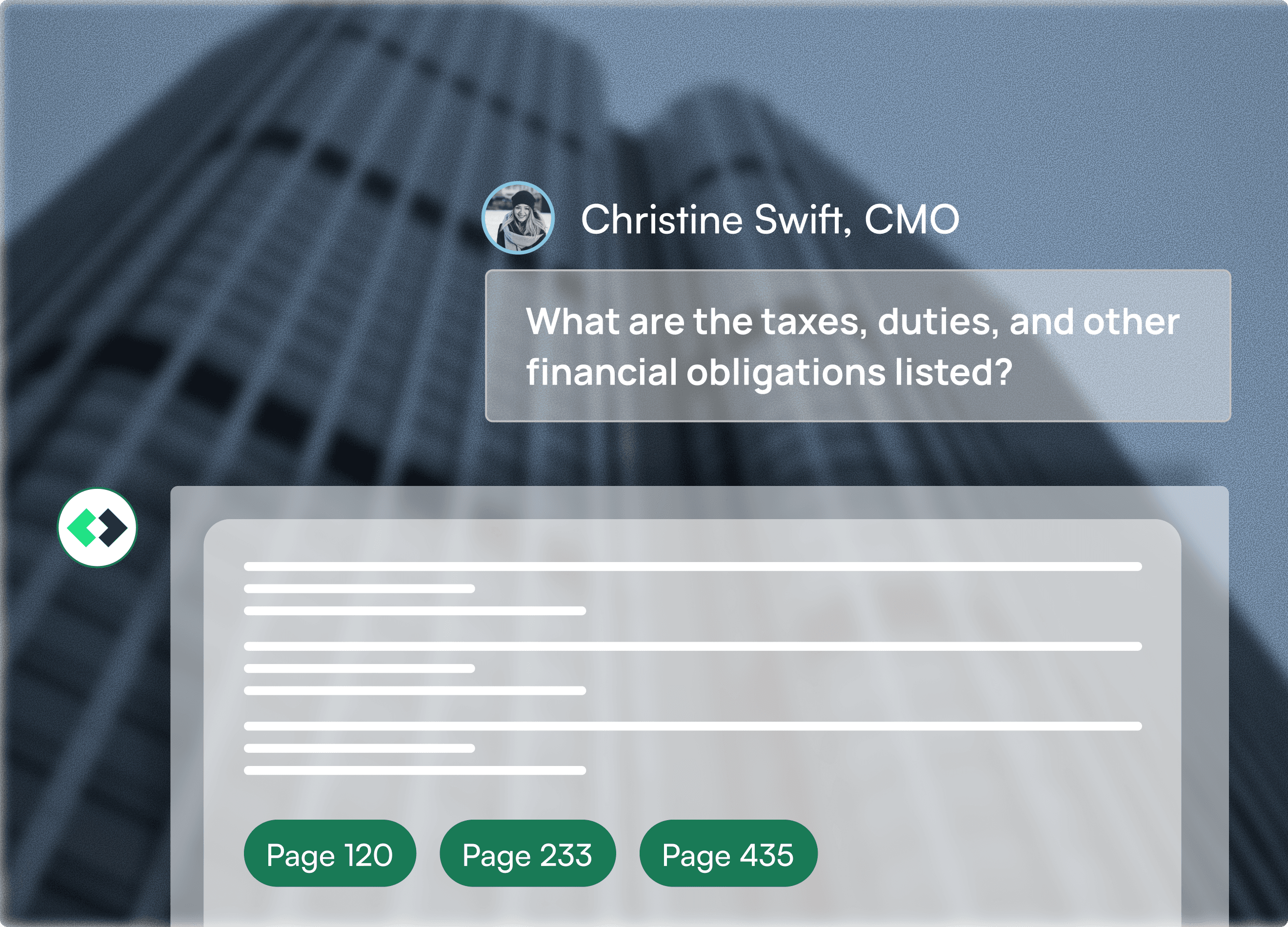
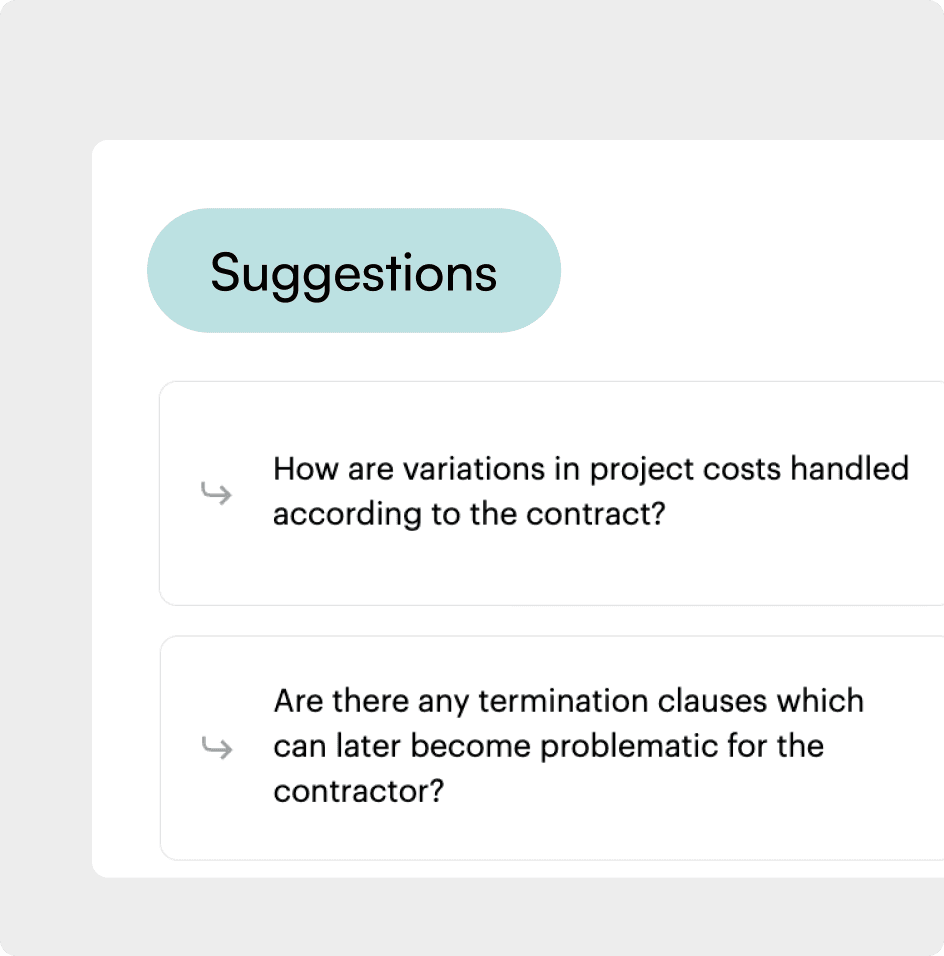
Ask context-aware follow-ups to clarify exceptions, thresholds, or applicability. ContraVault holds context across the thread.
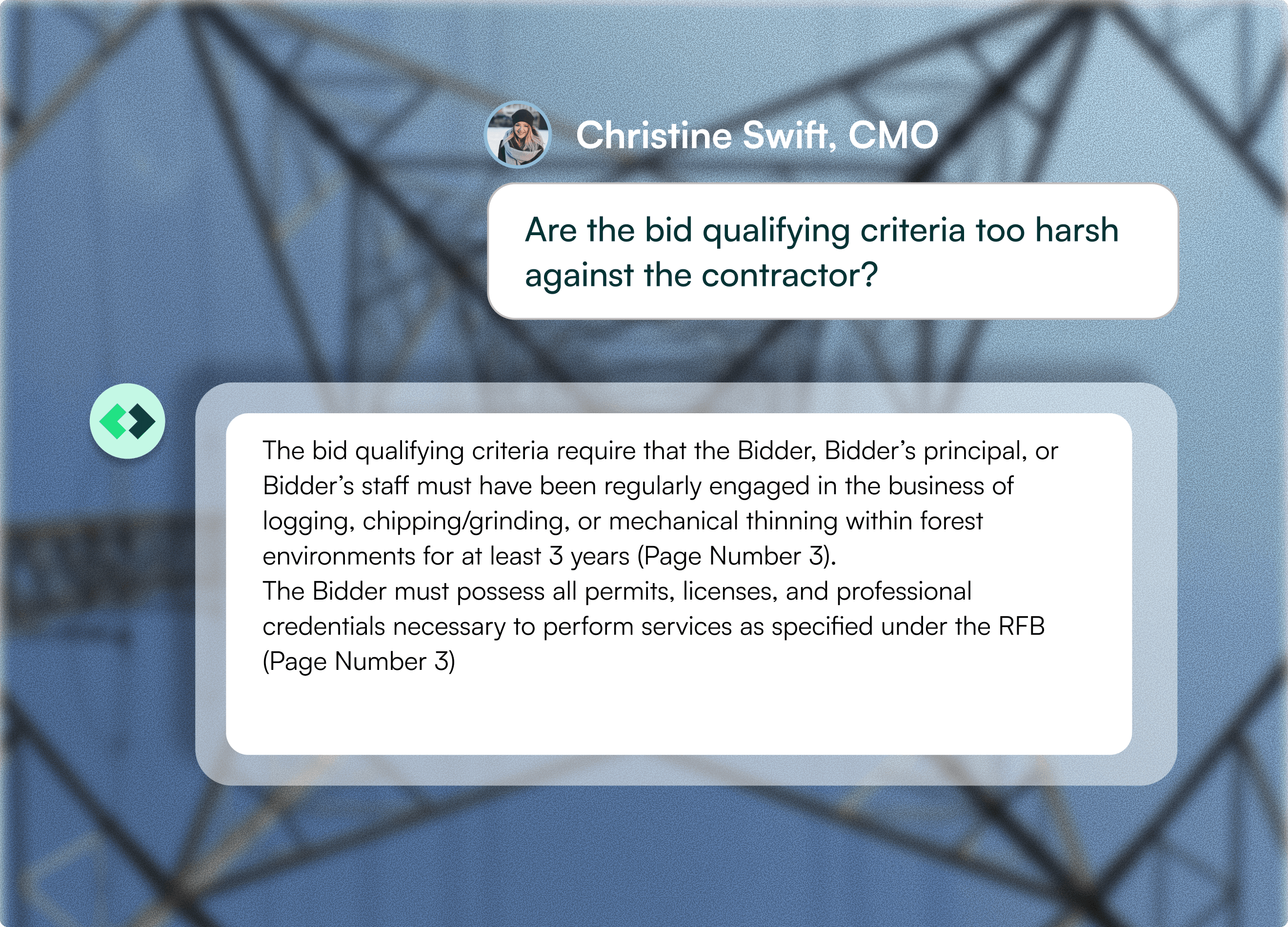
The complete RFP set: documents, specs, exhibits, forms, schedules, and addenda.
Get answers on eligibility, scope, penalties, timelines, and anything else in the package.
A clear answer with supporting clauses and page references, plus export and share options for the team.
Ask context-aware follow-ups to clarify exceptions, thresholds, or applicability. ContraVault holds context across the thread.
ContraVault AI has processed $630M+ in project value, analyzed 200K+ RFPs across 10M+ pages, and drafted 25K+ RFI clarifications.
The confidence it provides throughout the RFQ process is excellent. The QC of the data input from various departments is highly detailed and consistent, which removes any second-guessing.
Donald B. - Managing Director - Architectual Coating Solutions
What stands out about ContraVault AI is how quickly it identifies contractual risk, flags notice traps, and surfaces exposure early. That visibility supports proactive claims prevention, strengthens negotiations, and drives better commercial outcomes across complex construction and infrastructure projects.
Adersh Rajagopalan M. - Associate Director @ Ginjo Construction | MAIQS, MRICS
ContraVault AI makes managing Synopsis, Pre-Bid, and tender documentation workflows incredibly smooth. It intelligently organizes and summarizes large security and compliance documents, saving huge amounts of time during review cycles. The automated insights, smart comparison features, and clean dashboard make collaboration easy and eliminate manual effort.
Karan P. - CEO , Redfox Security
ContraVault AI makes reviewing large tender documents vastly faster and more accurate by automating Go/No-Go analysis, pre-bid query generation, contradiction detection, and qualification extractions. Its AI-powered search and automated synopsis features make spotting commercial terms and contractual risks effortless, significantly cutting down manual work. While document upload stability and processing speed could be improved—along with fixing occasional glitches that require re-running AI tasks—it remains an invaluable tool for streamlining bid evaluations.
Mayank Rudra - Manager Strategy - Vishvaraj Group
ContraVault AI delivers fast, accurate insights in just seconds by reading and interpreting complex RFP and tender documents with high precision. It saves a significant amount of time by instantly surfacing key answers and highlighting any contradictions within the documents, making it an invaluable tool for our workflow.
Manav P. - Enrich Energy
ContraVault AI has become an essential RFP evaluation tool for our engineering and EPC teams, replacing hours of manual document navigation with instant summaries via Synopsis and Contextual Search. By allowing us to grasp complex tenders in minutes, it significantly boosts productivity and lets us focus on strategic analysis. While cloud-based processing may raise compliance concerns for strict security environments, and complex technical details still need a quick human check, the platform dramatically streamlines our bid review process.
Chetan Patil - Enrich
ContraVault AI is doing a great job in the contracts and legal space by using AI to reduce time and cost. It is really helping streamline a lot of processes that used to be heavily human-driven.
Mr. Som Mandal - Managing Partner at Fox Mandal
We have introduced ContraVault AI, the AI-based software, in our organization. We have found it easy to use, and its unique features help make our tendering process faster and more accurate.
Mr. Arun Singhania - CFO at Paharpur Cooling Towers
ContraVault AI is a great software platform for legal contract management through artificial intelligence and could bring a paradigm change in creating, reviewing, and validating legal contracts. I can definitely recommend this product for all finance and legal professionals.
Mr. Partha Hor - VP Finance at Lenze India
For us, the combination of Synopsis and Contextual Search is the real win—within minutes, we can get a structured summary and then jump straight to the exact clauses (technical or commercial) with the right context. It’s shifting our workflow from ‘open PDFs and start reading’ to ‘start in ContraVault AI,’ which reduces rework and lowers the risk of misinterpretation. The team is friendly and approachable. Earlier, teams spent days reading, searching, and compiling information, and interpretations could vary depending on who read which clause. With ContraVault AI, we can generate a structured synopsis in minutes and use contextual search to land on the exact commercial or technical clause with the surrounding context. That reduces rework, lowers the risk of misinterpretation, and helps the whole team align faster. The benefit is simple: we move from ‘opening PDFs and trying to figure it out’ to ‘starting with clarity,’ which speeds up internal reviews and improves confidence in what we’re responding to.
Max Mortezapour - Consultant, Crossarrows
ContraVault AI’s contextual search function makes life easy. The search activity takes much less time than if done manually. The AI surfaces all the mentions of a related topic from an entire document spanning thousands of pages and also provides a synopsis.
Kalyan M. - Senior Manager - PCTL
The confidence it provides throughout the RFQ process is excellent. The QC of the data input from various departments is highly detailed and consistent, which removes any second-guessing.

Donald B.
Managing Director - Architectual Coating Solutions

What stands out about ContraVault AI is how quickly it identifies contractual risk, flags notice traps, and surfaces exposure early. That visibility supports proactive claims prevention, strengthens negotiations, and drives better commercial outcomes across complex construction and infrastructure projects.

Adersh Rajagopalan M.
Associate Director @ Ginjo Construction | MAIQS, MRICS
ContraVault AI makes managing Synopsis, Pre-Bid, and tender documentation workflows incredibly smooth. It intelligently organizes and summarizes large security and compliance documents, saving huge amounts of time during review cycles. The automated insights, smart comparison features, and clean dashboard make collaboration easy and eliminate manual effort.

Karan P.
CEO , Redfox Security
ContraVault AI makes reviewing large tender documents vastly faster and more accurate by automating Go/No-Go analysis, pre-bid query generation, contradiction detection, and qualification extractions. Its AI-powered search and automated synopsis features make spotting commercial terms and contractual risks effortless, significantly cutting down manual work. While document upload stability and processing speed could be improved—along with fixing occasional glitches that require re-running AI tasks—it remains an invaluable tool for streamlining bid evaluations.

Mayank Rudra
Manager Strategy - Vishvaraj Group
ContraVault AI delivers fast, accurate insights in just seconds by reading and interpreting complex RFP and tender documents with high precision. It saves a significant amount of time by instantly surfacing key answers and highlighting any contradictions within the documents, making it an invaluable tool for our workflow.
Manav P.
Enrich Energy
ContraVault AI has become an essential RFP evaluation tool for our engineering and EPC teams, replacing hours of manual document navigation with instant summaries via Synopsis and Contextual Search. By allowing us to grasp complex tenders in minutes, it significantly boosts productivity and lets us focus on strategic analysis. While cloud-based processing may raise compliance concerns for strict security environments, and complex technical details still need a quick human check, the platform dramatically streamlines our bid review process.
Chetan Patil
Enrich
ContraVault AI is doing a great job in the contracts and legal space by using AI to reduce time and cost. It is really helping streamline a lot of processes that used to be heavily human-driven.
Mr. Som Mandal
Managing Partner at Fox Mandal
We have introduced ContraVault AI, the AI-based software, in our organization. We have found it easy to use, and its unique features help make our tendering process faster and more accurate.

Mr. Arun Singhania
CFO at Paharpur Cooling Towers
ContraVault AI is a great software platform for legal contract management through artificial intelligence and could bring a paradigm change in creating, reviewing, and validating legal contracts. I can definitely recommend this product for all finance and legal professionals.

Mr. Partha Hor
VP Finance at Lenze India
For us, the combination of Synopsis and Contextual Search is the real win—within minutes, we can get a structured summary and then jump straight to the exact clauses (technical or commercial) with the right context. It’s shifting our workflow from ‘open PDFs and start reading’ to ‘start in ContraVault AI,’ which reduces rework and lowers the risk of misinterpretation. The team is friendly and approachable. Earlier, teams spent days reading, searching, and compiling information, and interpretations could vary depending on who read which clause. With ContraVault AI, we can generate a structured synopsis in minutes and use contextual search to land on the exact commercial or technical clause with the surrounding context. That reduces rework, lowers the risk of misinterpretation, and helps the whole team align faster. The benefit is simple: we move from ‘opening PDFs and trying to figure it out’ to ‘starting with clarity,’ which speeds up internal reviews and improves confidence in what we’re responding to.
Max Mortezapour
Consultant, Crossarrows
ContraVault AI’s contextual search function makes life easy. The search activity takes much less time than if done manually. The AI surfaces all the mentions of a related topic from an entire document spanning thousands of pages and also provides a synopsis.

Kalyan M.
Senior Manager - PCTL
ContraVault AI is built for sensitive bid documents with access controls, encryption, and auditability, so teams can work fast without exposing confidential information.






If your team is reading thousand-page RFPs under deadline pressure, ContraVault AI was built for your workflow.